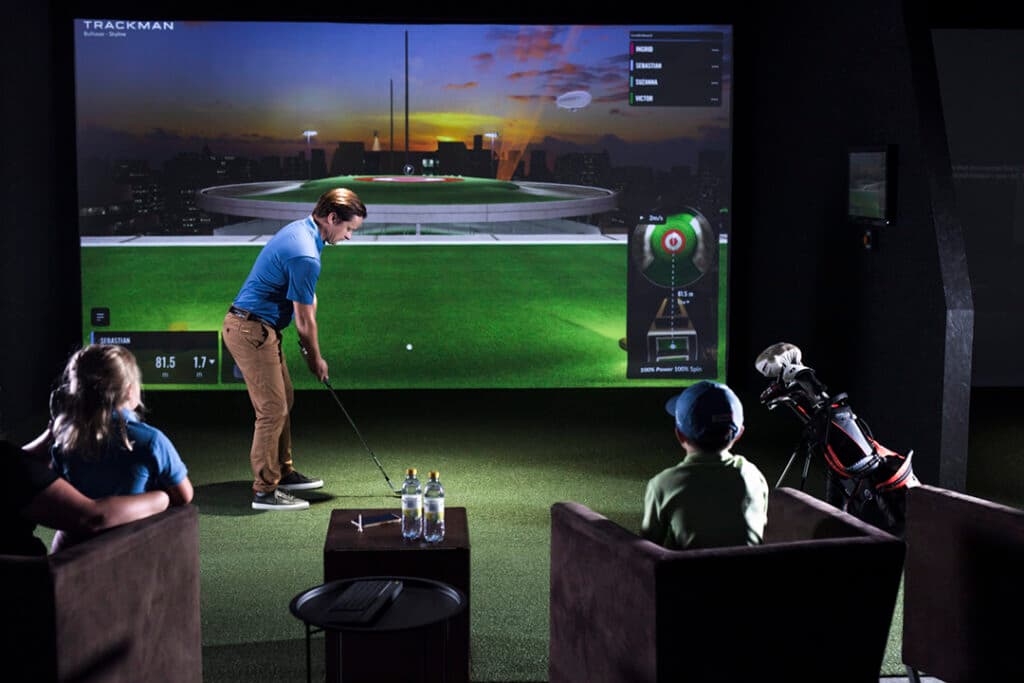
Once you start looking at a system like the TrackMan iO, the questions change. You’re no longer worried about basic features or surface-level accuracy. You’re thinking about ceiling height, tee-to-screen distance, wiring, software access, and whether the system will still feel right after months of regular use.
| Technology | Overhead Doppler Radar (OERT) |
|---|---|
| Price Range | $13,995 - $23,495 |
| Use | Indoor Only |
| Ball Data | Ball speed, spin, launch, carry, flight |
| Club Data | Yes (Home Complete+) |
| Software | TrackMan Performance Studio |
| Subscription | $700-$1,100/year after year 1 |
What We Like
- Industry-leading indoor accuracy
- Clean ceiling-mounted installation
- Full ball and club data
- TrackMan Performance Studio software
- Seamless left/right-hand play
What Could Be Better
- Indoor only - no outdoor use
- Starts at $13,995 (Home package)
- $700-$1,100/year subscription required
- Requires professional installation
- Needs dedicated room
Best For
Golfers building a permanent indoor simulator room who want the most accurate overhead tracking system available. Not for outdoor use or portable setups.
This TrackMan iO Review is written for that stage of the decision. It’s aimed at golfers building a permanent indoor simulator who want clarity before committing to a ceiling-mounted system. The focus is on setup requirements, software tiers, long-term costs, and how ownership actually feels once the unit is installed and running in a real room.
The goal here is to walk through the decisions that matter before the purchase, not after. Installation reality, space constraints, and workflow matter just as much as performance, especially at this price point. If affiliate links appear, they support the site at no extra cost.
Quick verdict
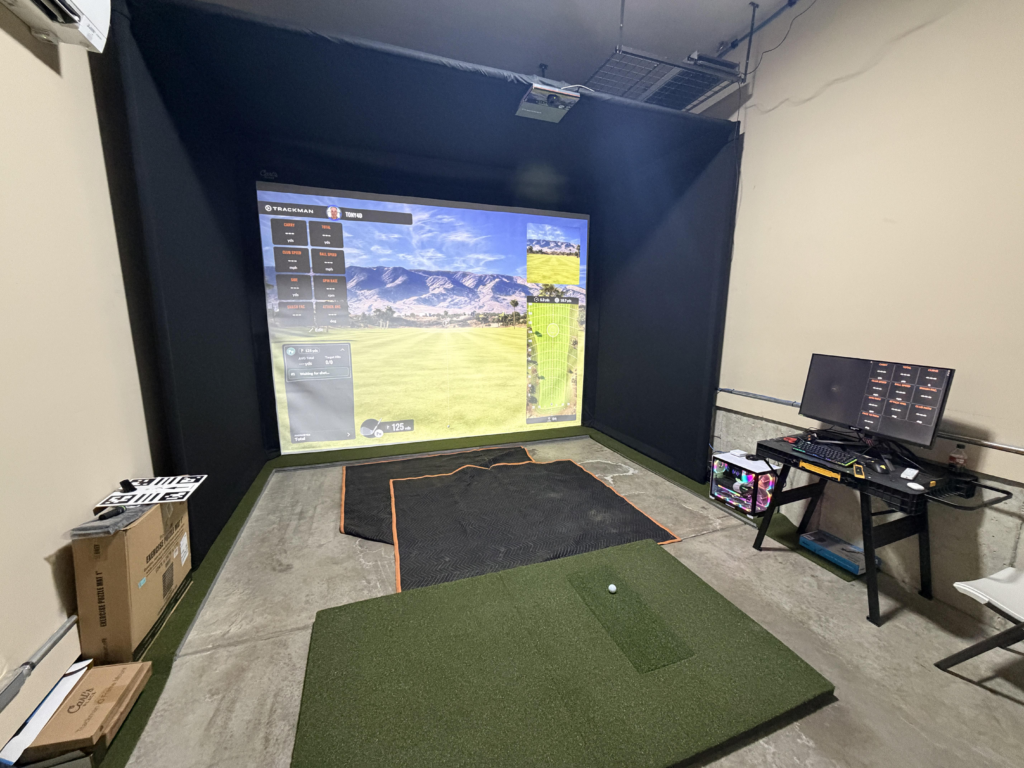
The TrackMan iO is built for dedicated indoor simulator rooms where cleanliness, consistency, and ease of use matter more than flexibility. It works best in permanent setups where the unit can stay mounted, the room layout stays fixed, and players want a smooth experience without hardware on the floor or constant adjustments.
It’s not a good fit for anyone who wants portability, outdoor range use, or access to third-party simulator platforms. The software ecosystem is closed, and the ongoing subscription model needs to make sense for your situation. If flexibility and lower long-term costs are the priority, there are better options.
The Home Edition typically starts around $13,995, and that number should be viewed as an entry point. Once software subscriptions, a capable PC, and the simulator build itself are factored in, total ownership lands firmly in the premium category.
What TrackMan iO actually is
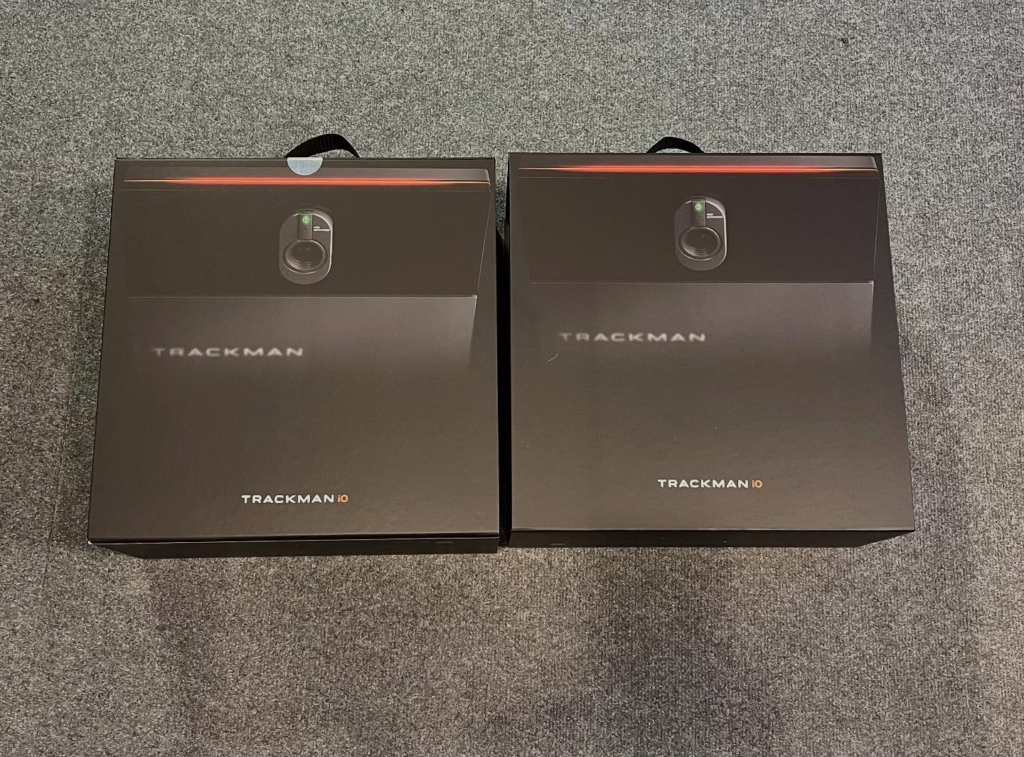
The TrackMan iO is a ceiling-mounted launch monitor designed exclusively for indoor use. It represents a clear shift away from portable, tripod-based systems toward a permanent installation that becomes part of the room itself.
By mounting overhead, the iO removes floor clutter and eliminates the need to reposition hardware between players. Left- and right-handed golfers can rotate through the same hitting bay without touching the unit, which is a major advantage in shared spaces or commercial environments.
Everything about the iO assumes it will live in one place. There’s no concern about battery life, transport, or outdoor conditions. The system is built around repeated indoor sessions, short ball flight, and consistent alignment once the initial installation is complete.
This design direction separates the iO from other products by TrackMan, which have traditionally balanced indoor and outdoor use. The iO is focused entirely on indoor performance and workflow.
TrackMan iO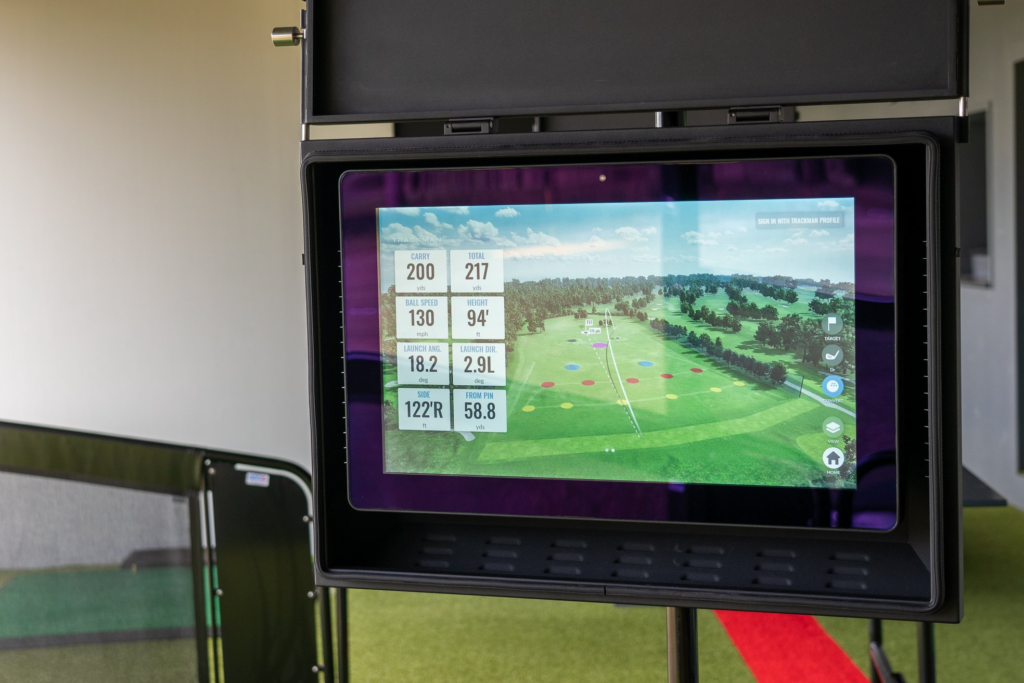
TrackMan iO tracking technology explained
The TrackMan iO uses Optically Enhanced Radar Tracking, often referred to as OERT. This approach combines radar, high-speed cameras, and infrared lighting to handle the challenges of indoor environments more reliably.
Radar captures initial ball speed and flight data, while the high-speed cameras focus on impact and detailed launch characteristics. Infrared lighting allows the system to see consistently even when room lighting is dim or uneven, removing the need for additional lighting setups.
One of the main advantages of this system is direct measurement of 3D spin and spin axis without requiring marked balls or club stickers. Indoors, where ball flight is limited, this reduces reliance on estimation and helps keep shot shape and spin behavior consistent across the bag.
In practical use, this setup is meant to keep data stable on full swings, partial shots, and short-game work, even when the ball only travels a short distance before hitting the screen.
Packages and what gets unlocked
This is where most confusion happens, and it’s also where regret usually starts if this section gets skimmed. Every TrackMan iO uses the same physical hardware. The difference between packages is entirely about software access, data depth, and how much of the system you are allowed to use.
The choice here is not about accuracy. It’s about capability.
Home package
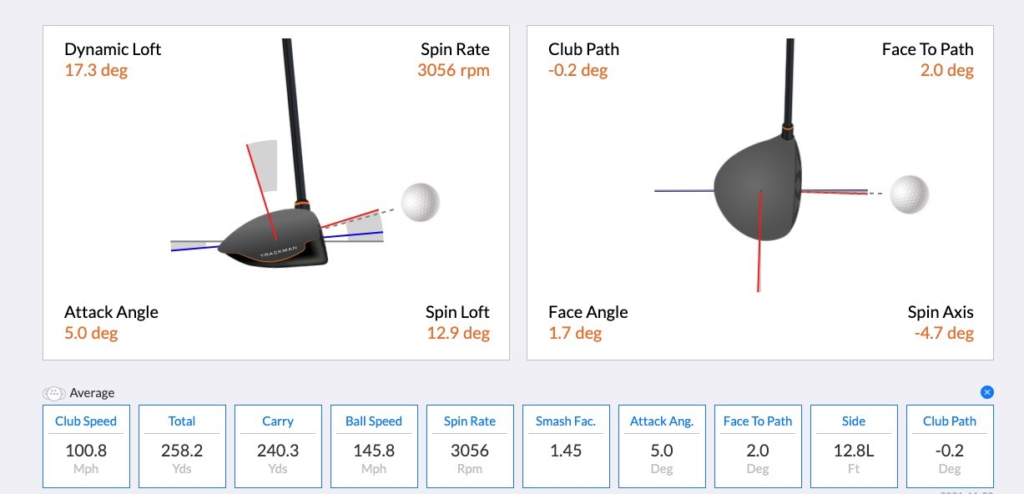
The Home package is the entry point into the TrackMan iO lineup. It typically starts around $13,995, and it’s designed for players who want a premium indoor simulator experience without diving deep into swing mechanics.
This version provides full ball data, club speed, and a limited selection of virtual courses and games inside the TrackMan software. Shot flight, carry distances, launch conditions, and dispersion are all tracked reliably, which makes it well suited for entertainment-focused home builds.
What stays locked is the advanced club delivery data. Metrics such as face angle, club path, attack angle, and detailed impact information are not available at this tier. Practice tools are also more restricted, which limits how far structured improvement can go.
For casual play and simulated rounds, the Home package works. For players who want to understand why shots behave the way they do, it quickly feels capped.
Home Complete package
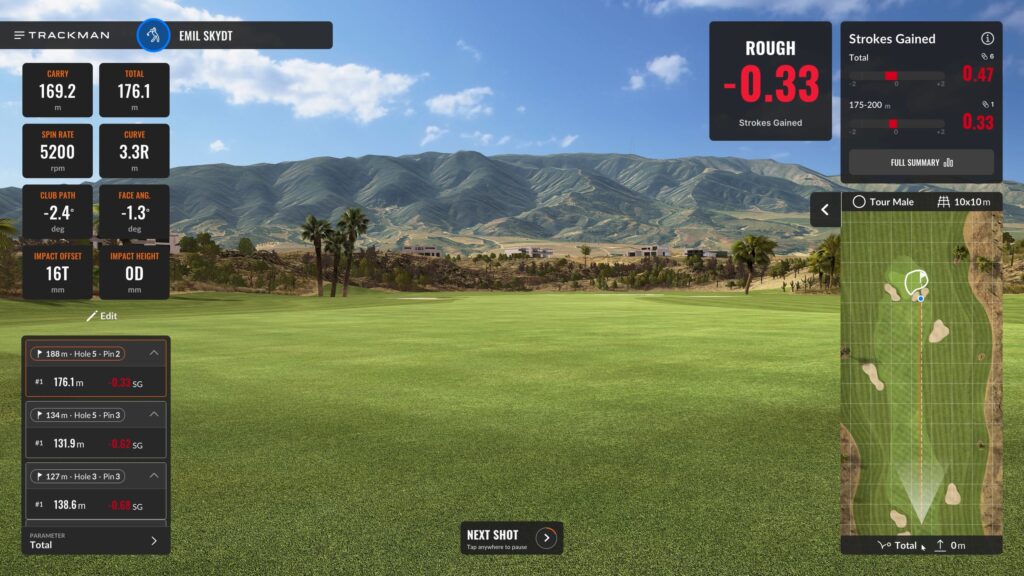
The Home Complete package unlocks the full TrackMan iO experience and is priced closer to $22,495 to $23,495, depending on the seller.
The hardware remains the same, but the software access changes dramatically. This tier unlocks advanced club data, deeper shot analysis, expanded practice tools, and access to the full virtual course library. This is also where the system begins to resemble what coaches, fitters, and elite training facilities use every day.
Inside TrackMan Performance Studio, this package enables detailed reports, full session analysis, and tools that support deliberate practice rather than just play. Face delivery, path, and impact behavior become visible, which is where meaningful improvement starts to happen.
If technical feedback, structured training, and long-term skill development matter, this is the version that makes sense. It’s also the tier most people end up upgrading to after starting with the Home package.

Ongoing software costs people forget
The purchase price is only part of the ownership picture. TrackMan iO runs on an annual software subscription, and the cost depends on the package you choose.
The Home package typically carries an annual fee around $700 per year, while the Home Complete and Commercial tiers are closer to $1,100 per year. The first year is usually included at purchase, which makes the ongoing cost easy to overlook.
That subscription covers continued access to courses, cloud-based data storage, software updates, and feature development. Over time, it becomes a meaningful part of total ownership cost and should be factored in just as seriously as the initial purchase.
TrackMan iO room requirements that decide everything
This section determines whether the TrackMan iO belongs in your space at all. If these measurements do not work, nothing else in this review matters.
Minimums vs recommended measurements
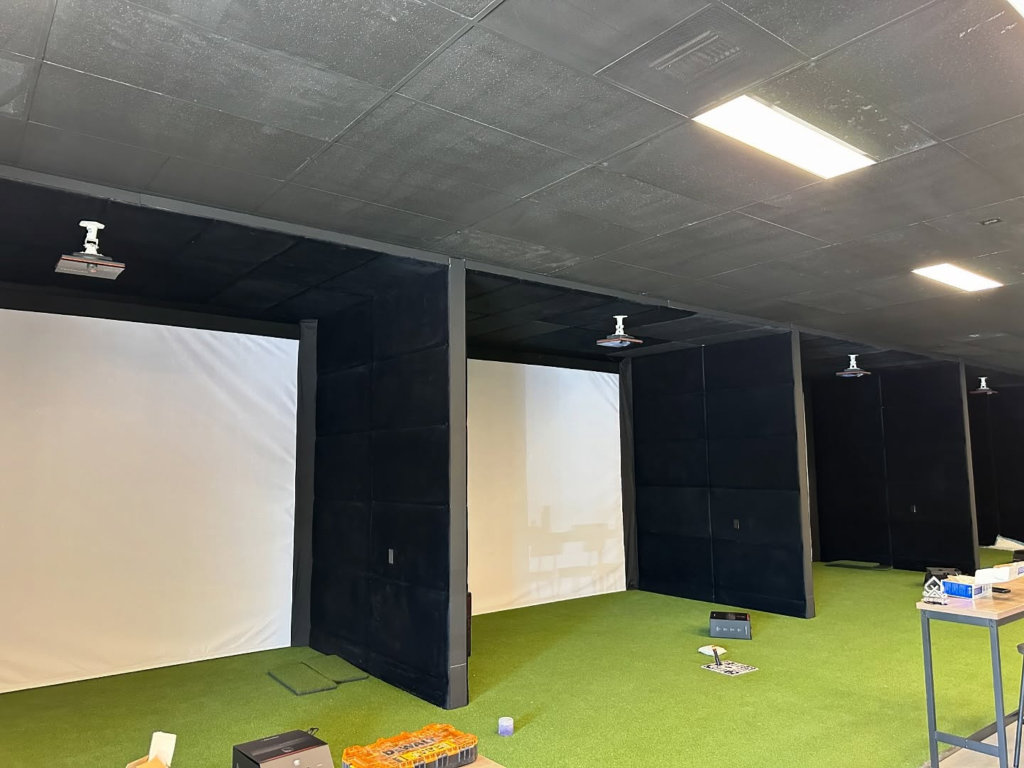
TrackMan publishes clear guidance for the iO, and it’s important to separate technical minimums from long-term comfort.
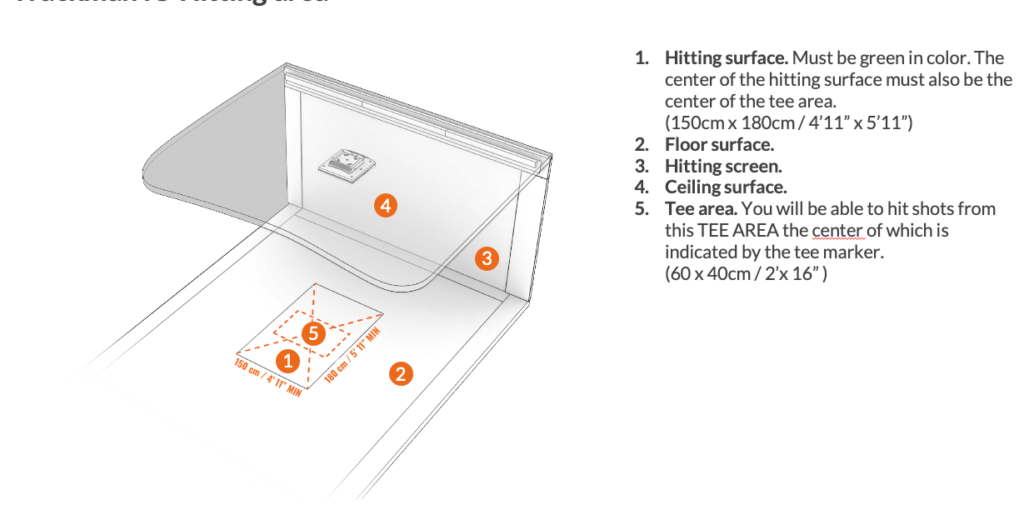
The listed minimum room height is 9 ft 4 in, with an ideal mounting height of 9 ft 8 in measured from the hitting surface. That measurement matters more than ceiling height alone because mat thickness, subfloor design, and recessed hitting areas all change the real mounting position.
Minimum tee-to-screen distance is 8 ft 2 in, but 10 ft is recommended for safety and swing comfort. The hitting surface should allow at least 6 ft deep by 5 ft wide around the tee so players can move naturally without crowding the ball.
One of the biggest advantages of the iO is that it does not require space behind the golfer. Everything happens above and in front of the hitting area.
Practical “can I swing driver here” guidance
Room measurements on paper don’t always match how a space feels when swinging a driver. Comfort still matters, even if the system technically works.
Many players feel relaxed with ceiling heights around 10 ft, room widths near 15 ft, and total depth closer to 18 ft. The TrackMan iO can operate in smaller spaces, but confidence overhead and around the swing has a direct effect on how freely players move.
Because the unit is mounted overhead, there’s no visual obstruction behind the ball, which helps smaller rooms feel more open than floor-based setups.

Narrow bays and lefty righty use
For narrow rooms, TrackMan offers the iO DUO configuration. This setup is designed for bays as narrow as 10 ft while still supporting both left- and right-handed players.
Two ceiling-mounted units are positioned off center, creating separate hitting zones that share the same screen. The software automatically adjusts aim and alignment based on which unit is active, so neither player feels forced into an awkward stance.
This setup removes one of the biggest pain points in shared simulator spaces and is especially valuable in garages and commercial environments where width is limited.
TrackMan iO mounting and calibration
This is the point where a TrackMan iO setup either feels effortless or becomes a constant source of small frustrations. Inches matter here, and getting this stage right determines how stable the system feels long term.
Mount position and why inches matter
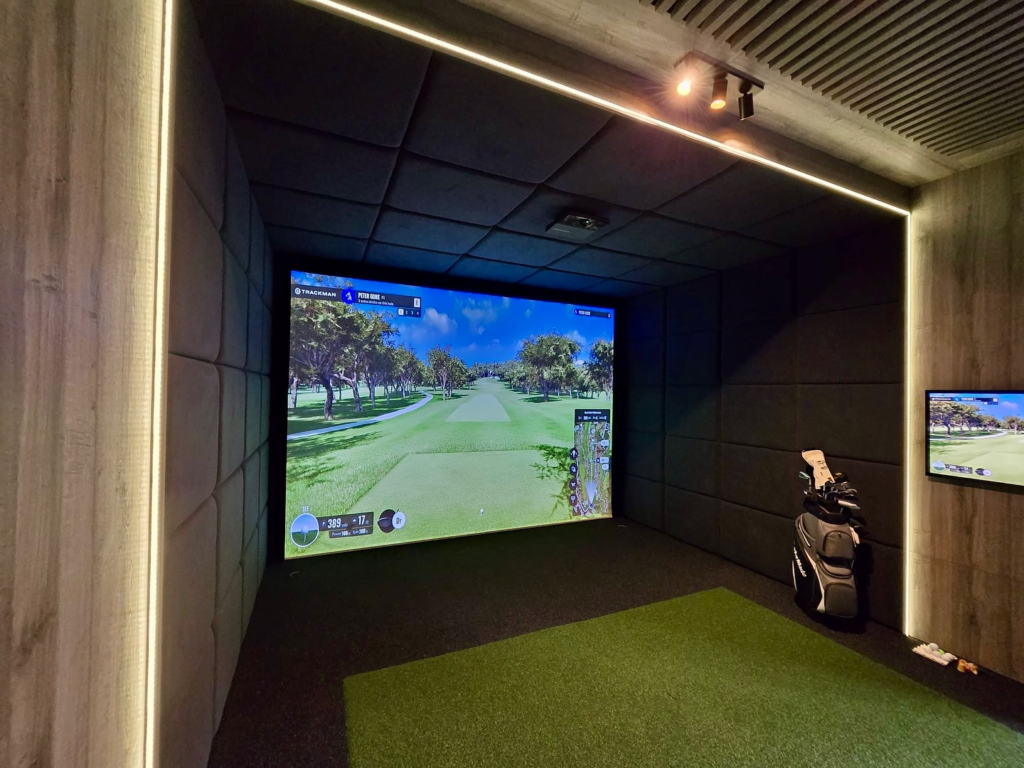
TrackMan recommends an ideal mounting height of 9 ft 8 in measured from the hitting surface to the bottom of the unit. That number assumes a standard mat thickness and a flat floor. If your mat sits on turf, rubber tiles, or a raised platform, the effective mounting height changes.
Mounting too high reduces how cleanly the system sees impact and launch. Mounting too low can introduce alignment problems and increases the risk of interference from club movement. This is why measuring from the actual hitting surface matters more than measuring from the raw concrete or subfloor.
Recessed floors need extra attention. A dropped hitting area may feel comfortable to swing in, but it changes the geometry the system expects. In those cases, mounting height has to be recalculated so the unit still sits in the correct relationship to the ball.
Step by step install flow
A clean installation follows a specific order, and skipping steps usually means recalibration later.
Start by confirming tee-to-screen distance first. This locks in where the hitting position must live in the room. From there, verify ceiling height and confirm the correct mounting height relative to the mat, not the floor.
Once the hitting position is fixed, measure the hitting area footprint. Make sure the required depth and width around the tee are clear and free of obstructions. Only after those measurements are confirmed should the mounting point be marked on the ceiling.
If the room has recessed ceilings, soffits, or exposed beams, visibility becomes important. The unit must have a clear view of the hitting area without partial obstruction, even if the room technically meets height requirements.
After mounting, calibration is done through the TrackMan software. This step aligns the unit to the screen and hitting area so shot direction and target lines behave correctly. Rushing this part usually leads to subtle aim issues that show up later during play.
Connectivity reality
The TrackMan iO is designed as a fixed installation, and its connectivity reflects that. Unlike portable systems, it is not intended to rely on wireless connections for primary data transfer.
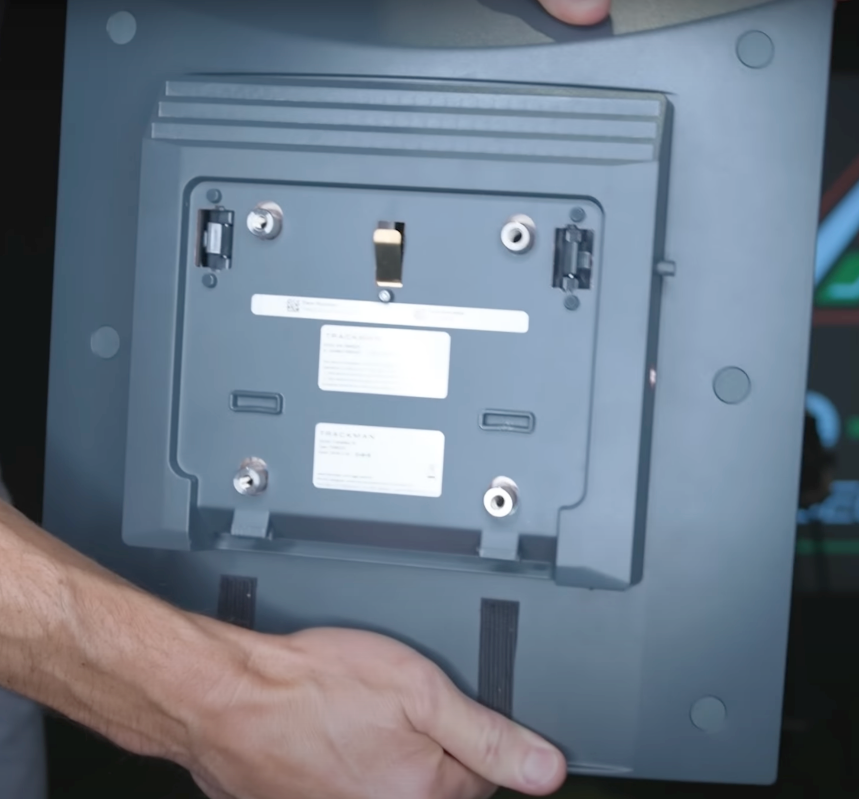
The iO uses a hardwired ethernet connection to the PC. This provides stable, high-bandwidth communication between the unit and the software and avoids latency or dropouts during sessions. Most owners route ethernet during the build stage so cables stay hidden and protected.
This also means planning ahead. The PC location, power outlets, and cable runs should be decided before installation begins. Retrofitting ethernet later is possible, but it’s rarely clean.
Because the system depends on a capable computer to process data and render simulation graphics, cutting corners on connectivity creates problems that feel like performance issues but are actually infrastructure issues. A stable wired connection keeps sessions smooth and reduces troubleshooting down the road.
TrackMan iO accuracy and data indoors
This section needs to feel grounded in use, not adjectives. The TrackMan iO is designed to handle the realities of indoor ball flight, where shots only travel a short distance before hitting a screen and lighting conditions are rarely perfect.
What “measured 3D spin” means for indoor builds
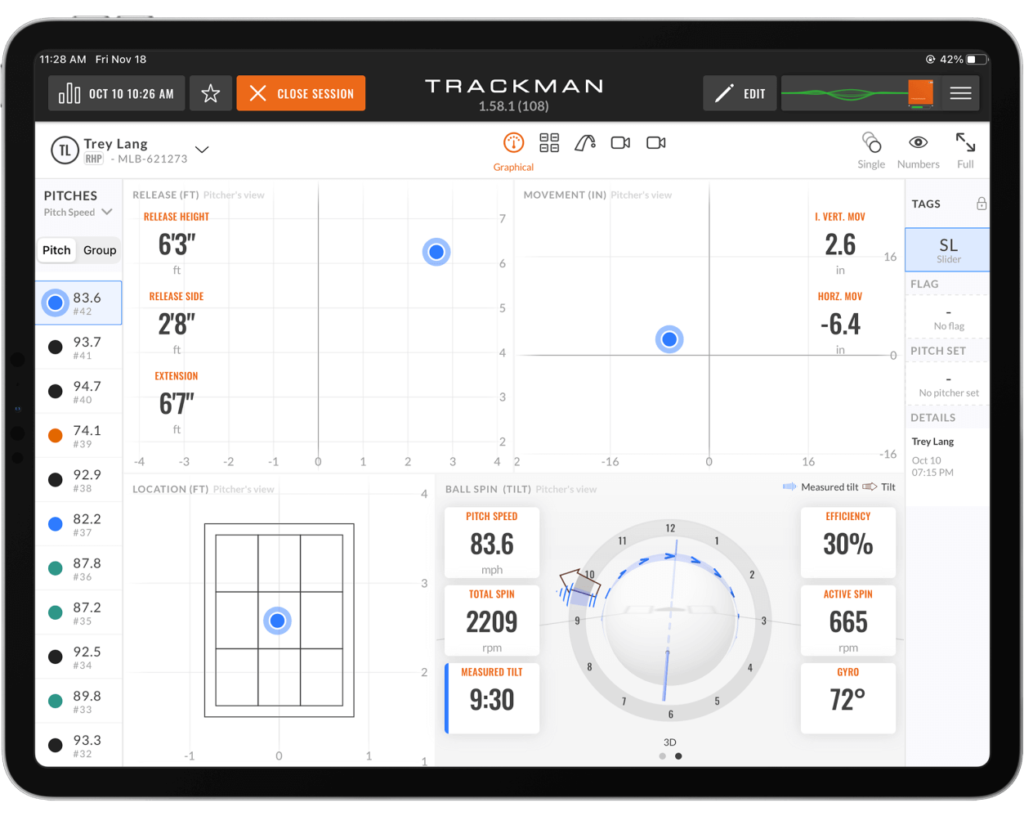
One of the defining advantages of the iO is its ability to directly measure 3D spin and spin axis in real time. Indoors, this matters more than most people realize. Limited ball flight makes it harder for systems that rely heavily on radar alone to resolve curvature, spin tilt, and shot shape accurately.
The iO’s combination of radar and high-speed imaging allows it to see the ball immediately after impact, which is where spin behavior is established. That shows up clearly on wedges where spin consistency matters, on fades and draws where axis tilt defines shape, and on low-spin drives where small differences change carry and rollout.
Because this data is measured rather than inferred, shot behavior remains stable even when the ball only travels a few feet. That stability is what allows practice sessions to translate more reliably to outdoor play.
The shot response and feedback loop
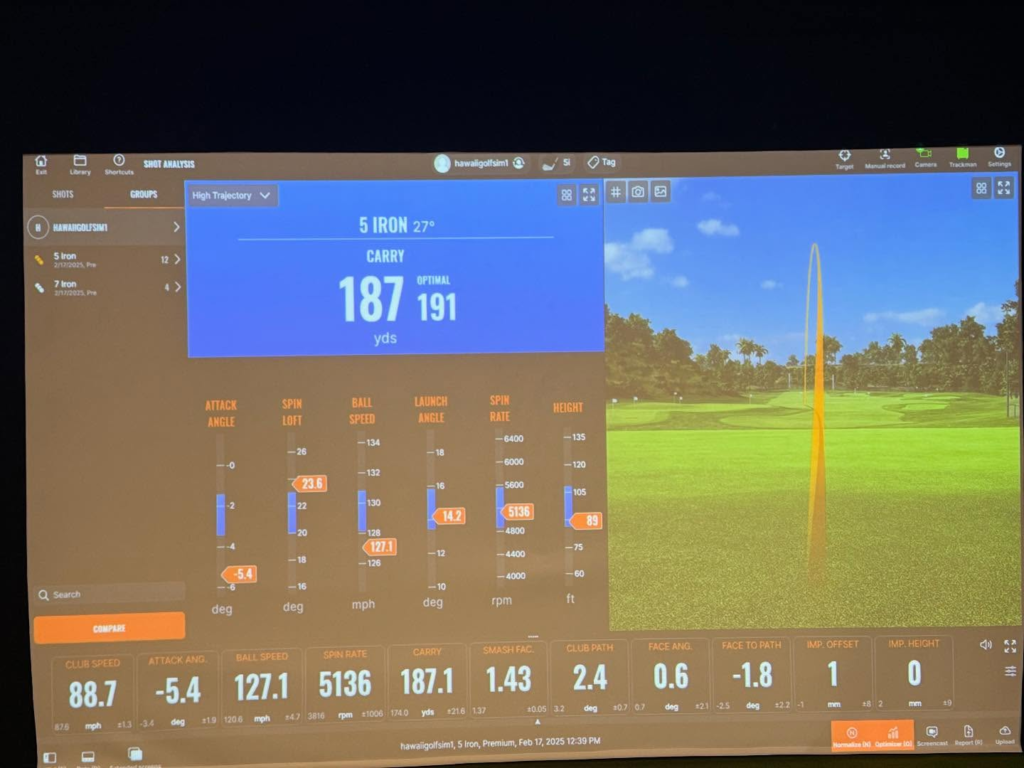
The feel of a simulator is defined by how quickly the system responds after impact. With the iO, the feedback loop keeps pace with a normal swing rhythm. Shots appear on screen quickly enough that there’s no pause where players feel disconnected from the result.
That matters more than speed alone. When the system responds immediately, tempo stays intact and practice feels continuous instead of segmented. Players can hit sequences of shots without mentally waiting for the software to catch up, which makes both practice and simulated rounds flow naturally.
This responsiveness also helps during short-game work. Chips, pitches, and low-speed shots register cleanly without hesitation, which keeps trust high during scoring-focused sessions.
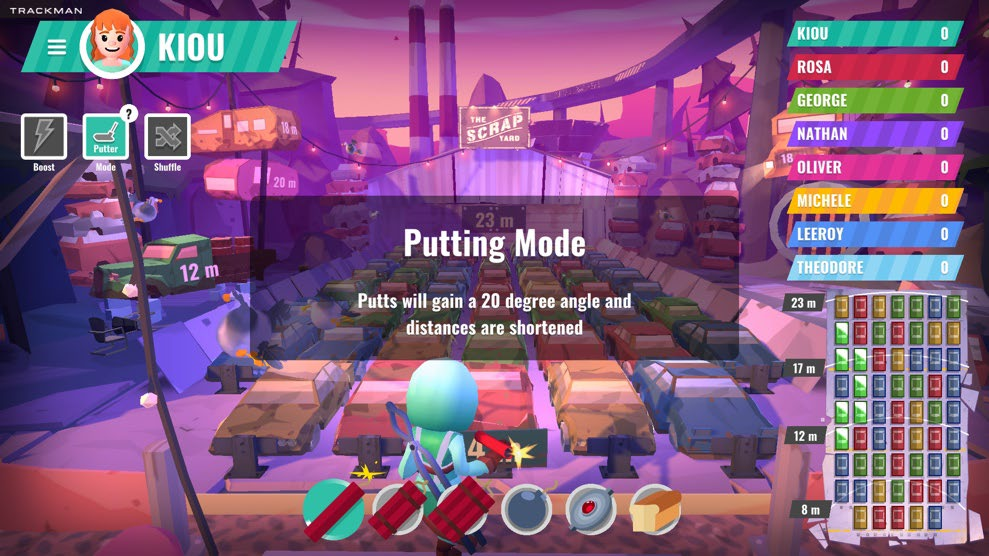
TrackMan iO putting and short game performance
Putting and short game are often where indoor systems struggle, but the overhead design of the TrackMan iO gives it an advantage here.
Because the unit views the ball from above, it can track slow-moving putts more reliably than systems that sit behind or beside the ball. Launch direction, initial speed, and roll behavior stay consistent across short distances, which makes indoor putting feel less like a compromise.
Green speed and gimme ranges are adjustable, allowing the setup to match how you want to practice. Some players prefer realistic green speeds with longer putts, while others tighten gimme ranges and focus on start line control. The iO supports both approaches without forcing awkward workarounds.
For chipping and pitching, the system handles low launch angles and short carry distances cleanly. That makes it practical to include short-game practice as part of regular sessions instead of avoiding it due to unreliable feedback.
TrackMan software experience
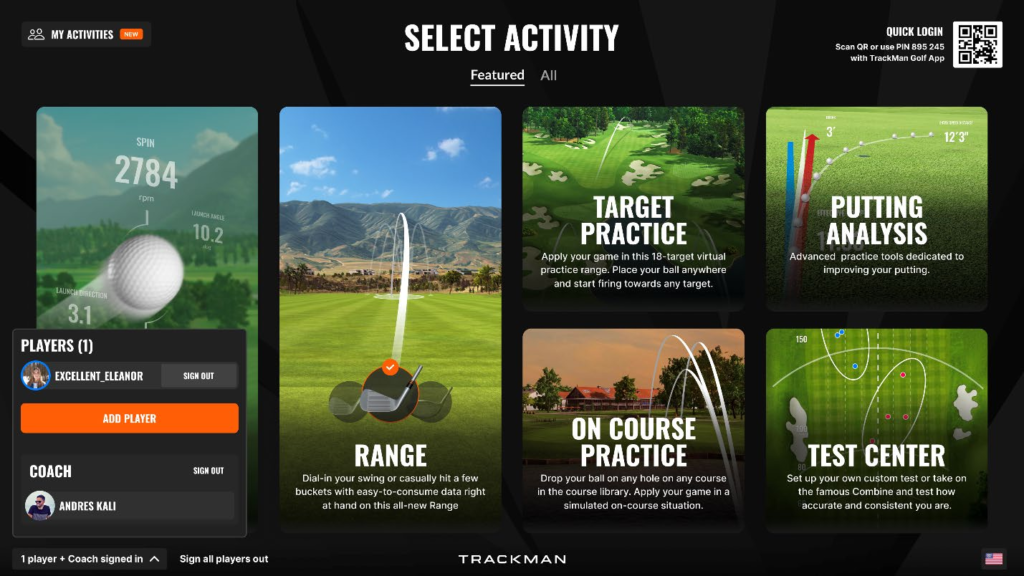
Once the hardware disappears into the ceiling, the entire experience lives inside TrackMan Performance Studio (TPS). This is where practice, simulated rounds, and long-term improvement either stay engaging or fade into novelty.
The system is built to support both structured training and casual play without forcing you into one or the other. Sessions can be short and focused or long and immersive, depending on how the room gets used.
Practice modes people actually use
Range practice is the foundation of most sessions. Targets can be set at different distances, conditions can be adjusted, and dispersion patterns are easy to visualize without cluttering the screen. This makes it practical to work through wedges, gapping, or driver control without constantly changing menus.
Structured challenges add pressure without requiring a full round. Combine-style tests and skills-based sessions turn practice into something measurable, which helps keep attention high during shorter sessions. These modes work well for repeat use because they highlight trends instead of one-off results.
Bag mapping and shot grouping tools allow patterns to show up over time rather than swing by swing. That’s where the system becomes useful beyond entertainment.
Course play and content
Course play is designed to feel consistent rather than cinematic. Real-world layouts behave predictably, and transitions between holes stay smooth even during longer rounds. The experience holds together whether you’re playing a full 18 or jumping into a few holes between practice sessions.
Access to courses depends entirely on the package tier. Entry-level access is intentionally limited, while higher tiers unlock a much larger library. That difference has a direct impact on long-term enjoyment and should factor into the package decision early.
Challenges and games
The TrackMan iO offers a layered set of challenges that cover focused practice, competitive play, and group sessions without feeling scattered.
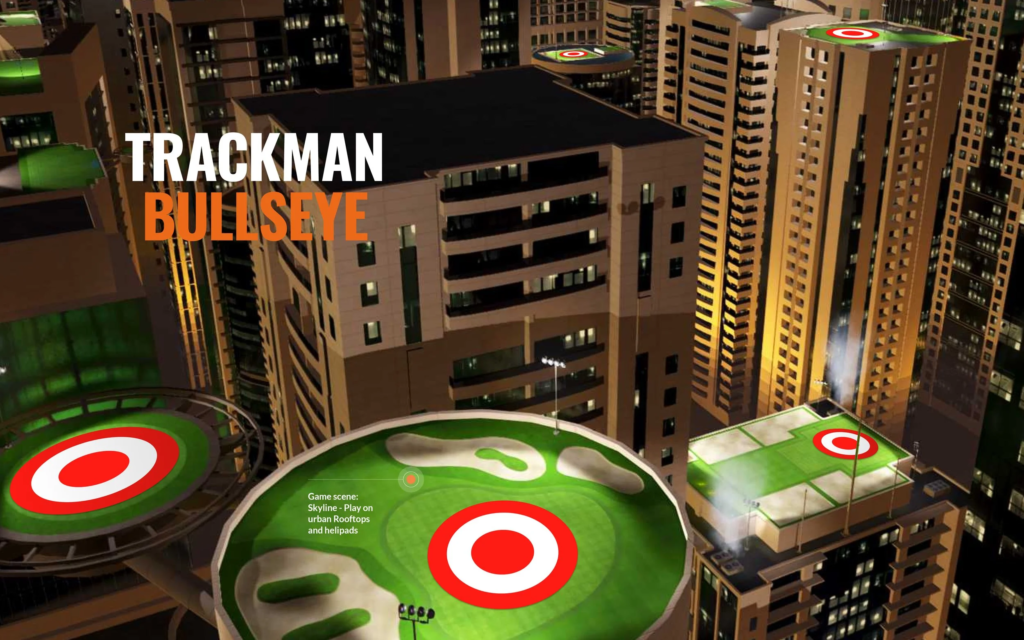
Core skills challenges are built around measurable fundamentals. These include the TrackMan Combine, which scores 60 shots across fixed distances to highlight consistency and distance control. Closest to the Pin centers on proximity and shot planning, Bullseye rewards precision around a target, and Hit It! focuses purely on speed and distance.
Gamified and arcade challenges keep sessions engaging when not everyone is there to train. Modes like Capture the Flag turn target practice into head-to-head competition, while Scrapyard and Magic Pond add a lighter, game-style layer that still uses real shot data.
Competitive global challenges connect home users to larger events. TrackMan regularly runs tour-backed challenges such as LIV Golf Majesticks vs. The World, DP World Tour Fan Challenges, and the NEXT Golf Tour, allowing players to compete on shared leaderboards and measure performance beyond their own simulator.
Courses and training challenges blend practice with realism. Virtual course challenges place shots on real layouts like Pebble Beach or St Andrews under changing conditions, while Tracy AI Coaching analyzes swing inputs such as Attack Angle and guides sessions toward specific improvement goals.
Third party simulator support
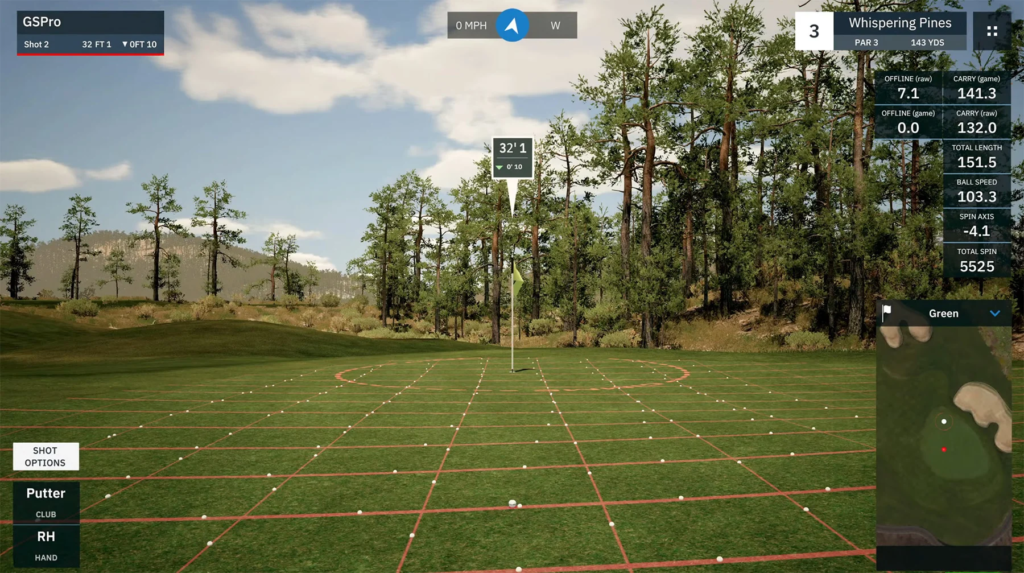
The TrackMan iO operates inside a closed software environment built around TrackMan Performance Studio. Official support for third-party simulator platforms is limited, and there is no supported path for running external software.
Platforms like GSPro are not officially supported on the TrackMan iO. While community-created workarounds exist, they are not endorsed and may stop working after updates.
E6 Connect has historically been supported on certain TrackMan systems under specific licensing conditions, but compatibility depends on the package and region and should be confirmed before purchase. The Golf Club 2019 is generally considered a legacy platform and is not a primary focus for newer TrackMan hardware.
For some buyers, this closed approach is a benefit. Everything works together, updates stay consistent, and support is centralized. For others, the lack of flexibility is a deciding factor. This limitation should be understood clearly before buying, because it defines how the system evolves over time.
TrackMan iO ownership costs people do not budget for
The launch monitor price is only one line item. Ownership of a TrackMan iO includes several costs that don’t show up on product pages but absolutely affect the long-term experience.
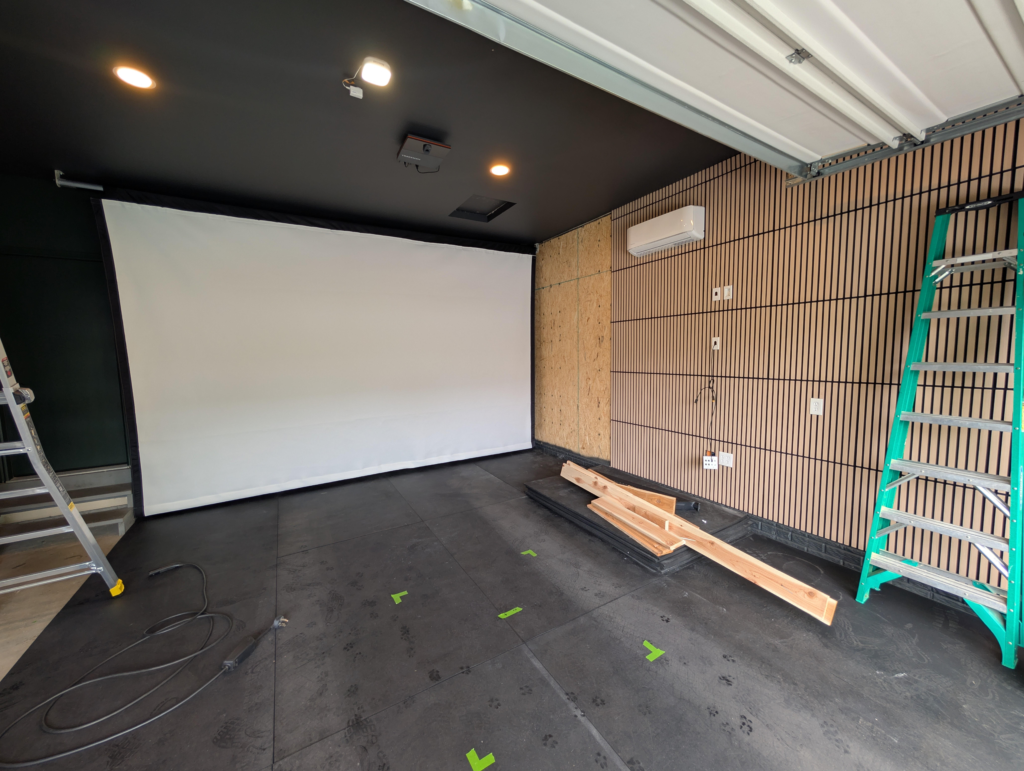
The real build list
A TrackMan iO requires a complete simulator environment to function the way it’s intended.
An impact screen and enclosure are mandatory. This isn’t optional gear. Screen quality affects image clarity, bounce-back safety, and sound. Enclosure depth and side protection also matter because the iO encourages full-speed swings without visual obstructions.
A short-throw projector is another required piece. Brightness and throw ratio need to match the room depth and screen size. Underpowered projectors lead to washed-out images, especially in rooms with ambient light.
A capable gaming PC is critical. The iO does not process data internally. All rendering and simulation workloads run through the computer. Cutting corners here usually shows up as stuttering visuals, delayed responses, or instability during longer sessions.
Turf, stance mats, and hitting surfaces are more than comfort items. Mat height affects mounting calculations, and stance comfort affects how confidently players swing over time.
Cable routing, ceiling protection, and electrical planning round out the build. Ethernet lines, power placement, and projector alignment are easiest to handle during the initial build rather than as retrofits.
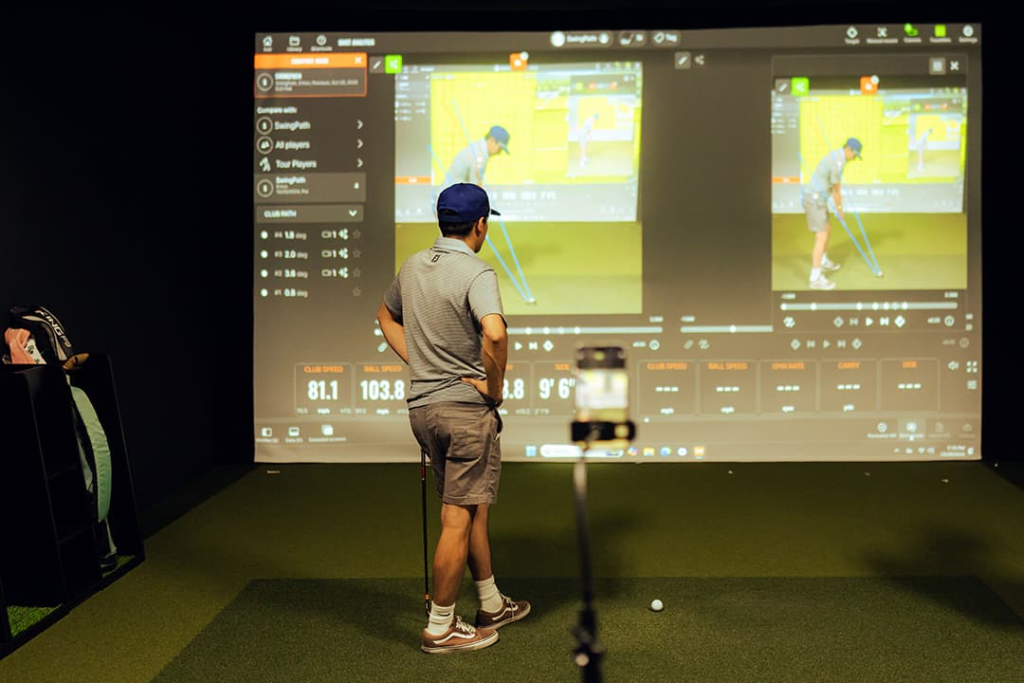
Ongoing subscription and support costs
Beyond the initial purchase, ownership includes recurring costs that add up over time.
TrackMan software requires an annual subscription after the first year. The Home package renews at roughly $700 per year, while Home Complete and Commercial licenses renew closer to $1,100 per year, depending on configuration and region.
TrackMan also offers an optional hardware coverage plan, often around $1,000 per year, which covers repairs, shipping, and provides a loaner unit during service. This is commonly used in commercial or high-traffic environments where downtime matters.
Session data, practice history, and performance trends are stored in the TrackMan cloud and remain accessible across devices, but continued access is tied to maintaining an active software subscription.
None of these costs are hidden, but they’re easy to underestimate when the focus stays on the upfront hardware price.
TrackMan iO pricing: total cost ranges
Total investment varies widely depending on how the system is built. The same launch monitor can live inside very different rooms, and the final cost reflects how far you take the build.
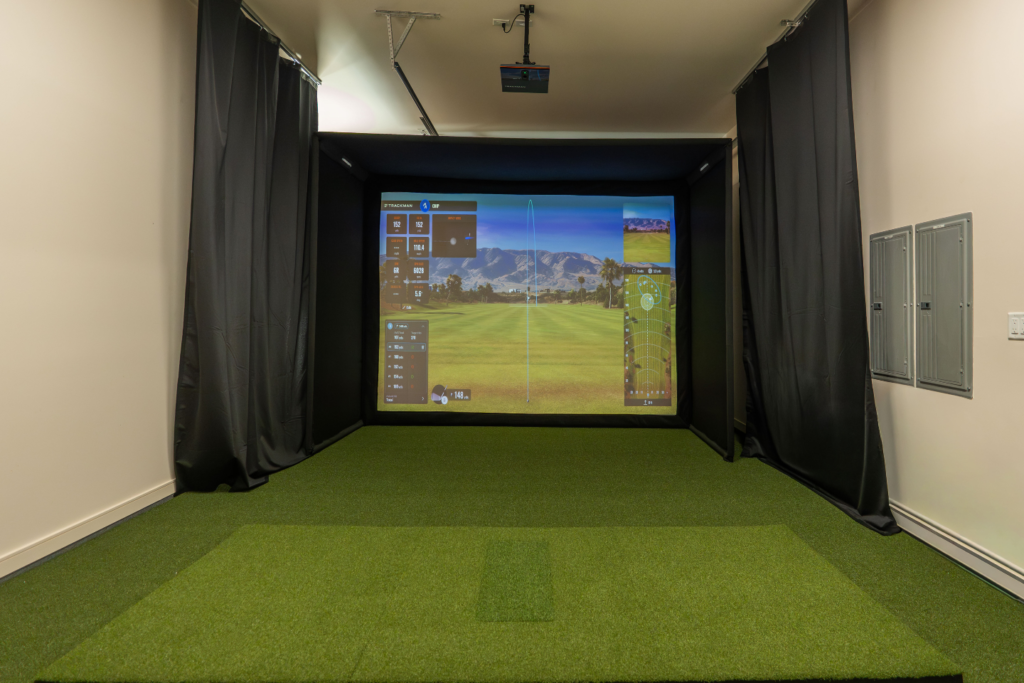
Home focused build
A home-focused setup prioritizes function over excess. The enclosure is compact, the projector meets TrackMan’s requirements without overspending, and the PC is selected specifically for TPS performance.
Using real-world package pricing like the TrackMan iO SIG DIY Studio Package, this type of build typically lands in the $15,000 to $18,000 range all-in. It works well in garages, basements, and spare rooms where space is controlled and the goal is consistent practice rather than presentation.
Premium home build
A premium home build adds space, screen size, and visual refinement. Enclosures grow larger, projectors get brighter, and audio and lighting are part of the experience rather than an afterthought.
Golf Simulator Packages like the TrackMan iO SIG10 push this category into the $18,000 to $22,000 range depending on room size and projector choice. This setup is designed for longer sessions and group play while still living comfortably in a private home.
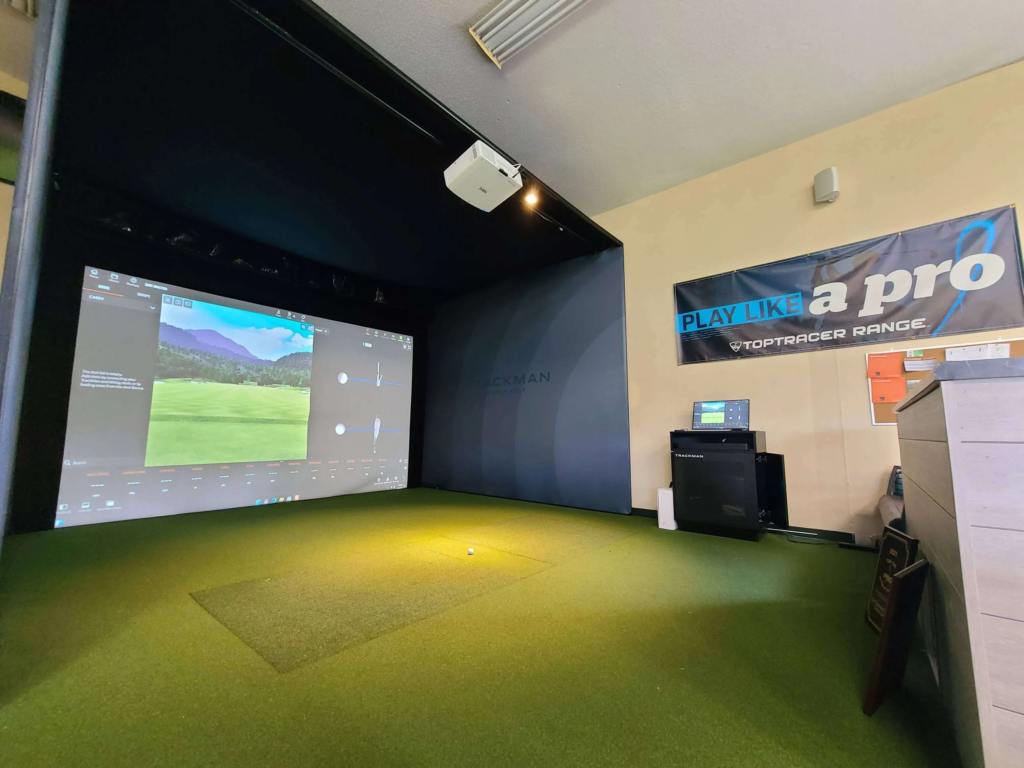
Commercial style build
Commercial environments prioritize durability, uptime, and repeat use. Enclosures are reinforced, screens are heavier duty, and PC hardware is selected for stability under constant load.
Turnkey commercial packages typically start around $16,500 for a base configuration and can climb well past $25,000 once installation, protection, and support coverage are included. These systems are built to run all day without interruption, which changes both cost and expectations.
TrackMan iO vs the real alternatives
Choosing the iO usually means comparing it against other high-end systems rather than entry-level options. This section works best as a decision path rather than a scorecard.
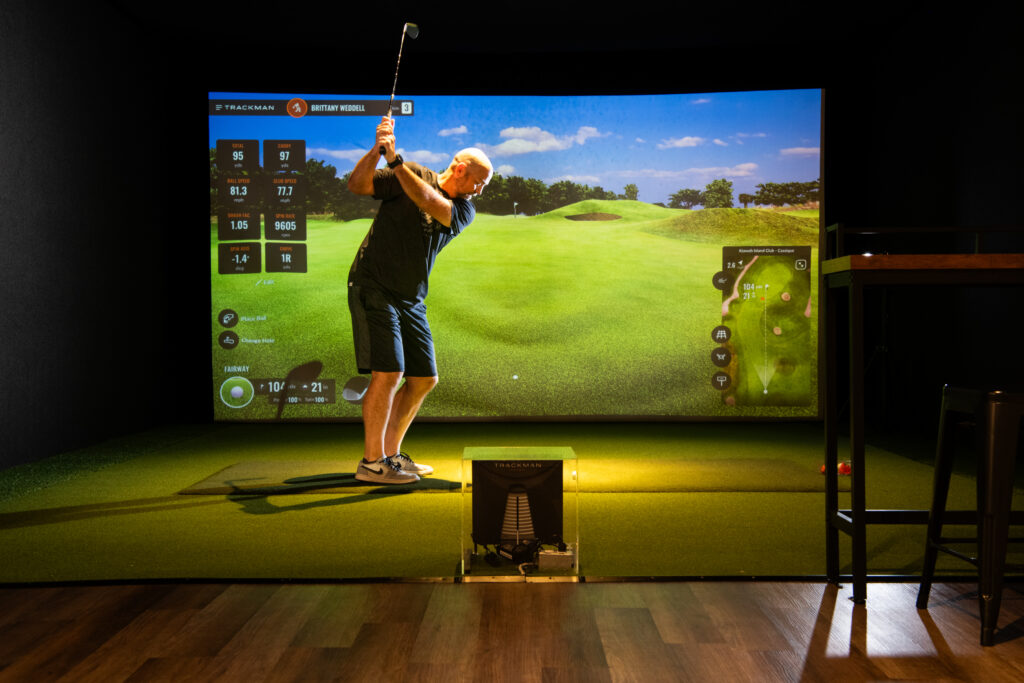
TrackMan iO vs TrackMan 4
The core difference here is permanence versus flexibility.
The TrackMan iO is a fixed, ceiling-mounted system designed exclusively for indoor use. It stays in place, uses a wired connection, and removes the need for hardware repositioning between players.
The TrackMan 4 is portable and designed to move. It works indoors and outdoors, runs wirelessly, and requires careful placement behind the hitting area. It fits players who split time between simulator sessions and outdoor practice or need a system that travels.
The iO fits dedicated indoor rooms. The TrackMan 4 fits golfers who value versatility.
TrackMan 4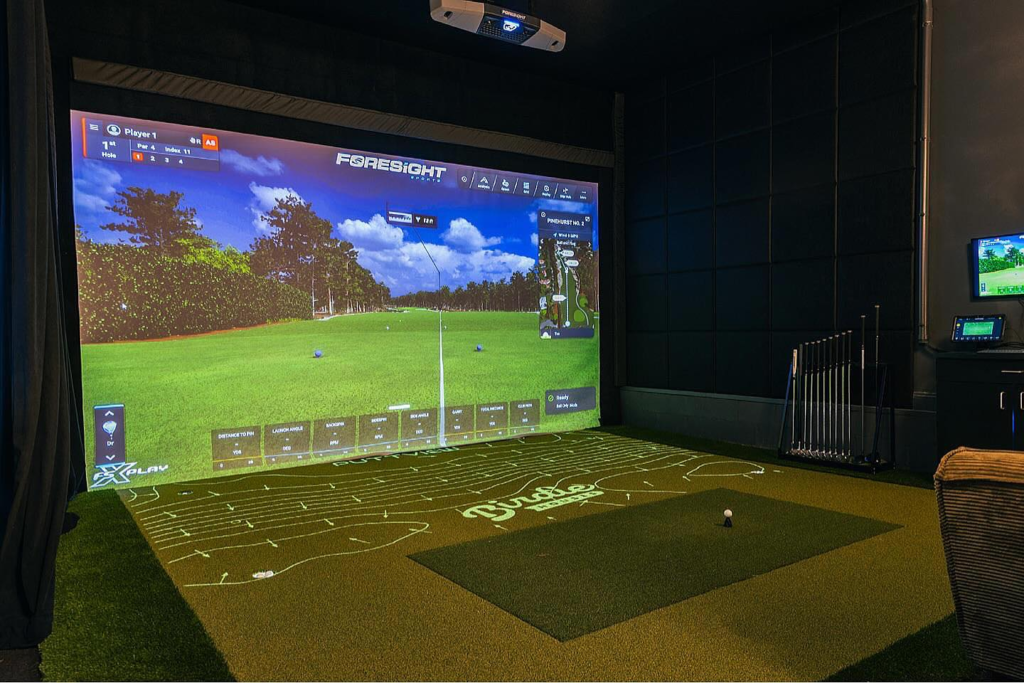
TrackMan iO vs Foresight Falcon
Both systems live overhead and target serious simulator builds.
The Falcon leans into a camera-driven approach with a more open software ecosystem. It’s often chosen by users who want flexibility in simulation platforms and lower long-term software lock-in.
The iO trades that openness for a tightly integrated environment. The experience is polished, consistent, and fully supported within TrackMan’s ecosystem, but flexibility is limited by design.
Foresight Falcon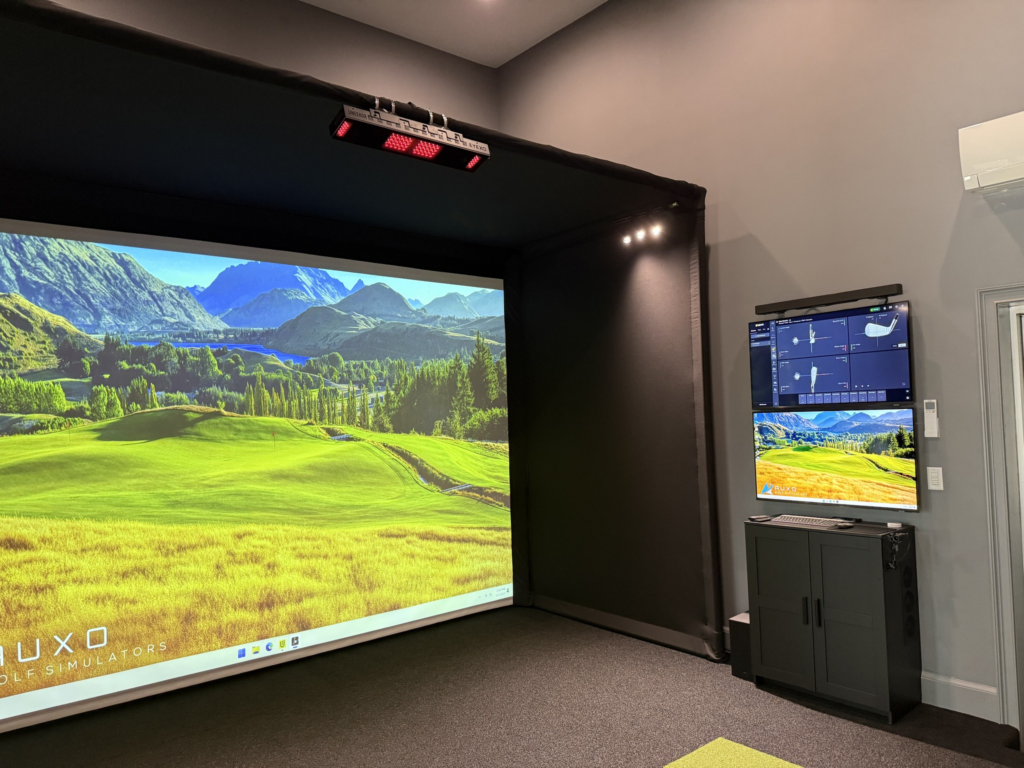
TrackMan iO vs Uneekor EYE XO2
This comparison comes down to ecosystem philosophy and long-term cost.
The iO emphasizes a premium, all-in-one experience with ongoing subscriptions. The EYE XO2 offers strong hardware paired with broader software compatibility and a lower barrier to customization.
Buyers choosing the iO usually value brand validation and integration. Buyers choosing the EYE XO2 often prioritize flexibility and cost control.
Uneekor EYE XO2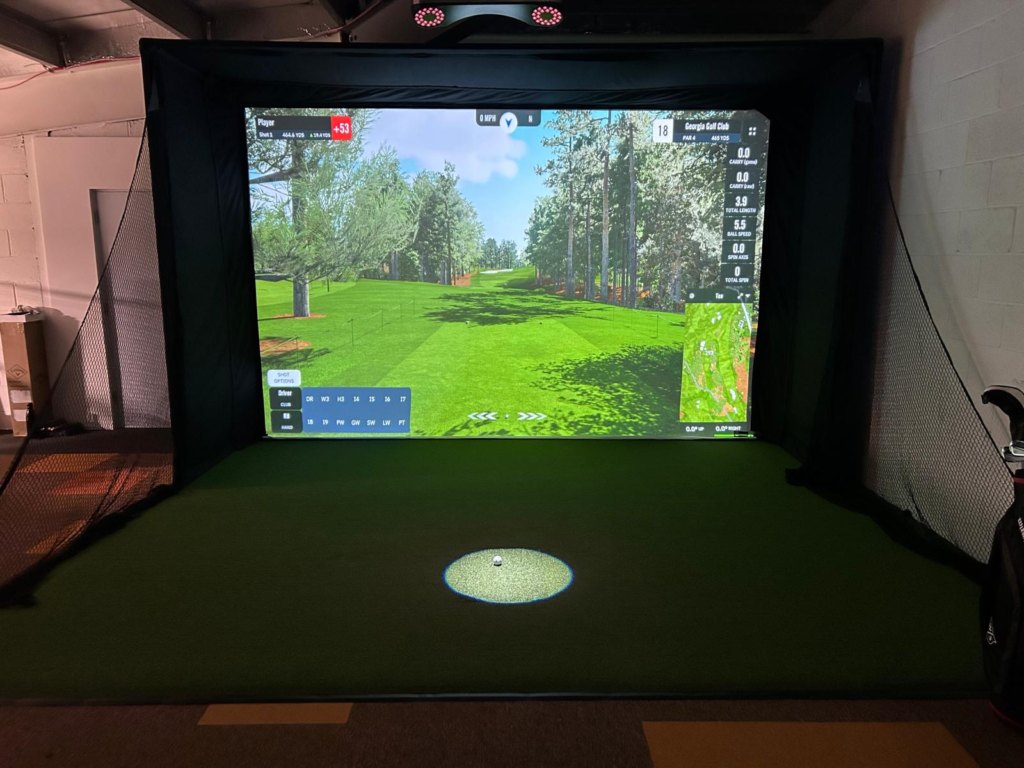
TrackMan iO vs ProTee VX
This is a value comparison inside the overhead category.
The iO carries a premium tied to brand, software, and support infrastructure. The ProTee VX focuses on delivering strong overhead performance at a lower entry cost with broader simulator compatibility.
The tradeoff is support scale and ecosystem maturity. TrackMan’s infrastructure is deeply established. ProTee appeals to users willing to trade brand depth for savings and flexibility.
ProTee VXBuying checklist
Before committing, these points should be confirmed.
- Room height verified against minimum and ideal mounting guidance.
- Tee-to-screen distance confirmed against both minimum and recommended measurements.
- Bay width checked for handedness and future use.
- Ethernet routing planned before installation.
- Package tier chosen based on data needs and content access, not just price.
Final thoughts
The TrackMan iO is a strong fit for golfers building a permanent indoor simulator who want a clean environment, reliable performance, and a tightly integrated software experience.
It is not built for flexibility or experimentation. The ecosystem is closed, subscriptions are part of ownership, and installation requires planning.
The most important step before buying is confirming room geometry. Mounting height and tee-to-screen distance matter more than any feature list. Get those right, and the iO delivers a consistent, high-level indoor experience that holds up over time.
TrackMan iOFrequently Asked Questions
Is the TrackMan iO worth the price?
The TrackMan iO starts at $13,995 for the Home package and delivers the most accurate indoor tracking available. If you're building a permanent indoor simulator and accuracy is your top priority, it's the gold standard. For occasional use or budget builds, more affordable options like SkyTrak+ or Garmin R50 offer solid performance.
Can the TrackMan iO be used outdoors?
No. The TrackMan iO is designed exclusively for indoor use with its overhead radar system. For outdoor use, TrackMan offers the TrackMan 4, which is a portable radar-based system.
What's the difference between TrackMan iO Home and Complete?
The Home package ($13,995) includes basic ball data and limited course access. The Complete package adds advanced club data, full course library, and video integration for around $17,690. The Performance package adds even more analytics tools.
Does the TrackMan iO require a subscription?
Yes. TrackMan iO requires an ongoing subscription for software access, course content, and cloud features. The Home package renews at roughly $700 per year, while Home Complete runs closer to $1,100 per year. This is a key cost factor to consider beyond the initial hardware price.
How accurate is the TrackMan iO?
The TrackMan iO uses Optically Enhanced Radar Tracking (OERT) to directly measure 3D spin, spin axis, ball speed, and launch angle without requiring marked balls. It is widely considered the most accurate overhead indoor launch monitor available, with performance trusted by tour professionals and commercial facilities worldwide.
What is the minimum room size for the TrackMan iO?
The minimum ceiling height is 9 ft 4 in, with an ideal mounting height of 9 ft 8 in from the hitting surface. Minimum tee-to-screen distance is 8 ft 2 in, but 10 ft is recommended. The hitting area should allow at least 6 ft deep by 5 ft wide around the tee. For comfortable full driver swings, aim for 10 ft ceilings, 15 ft width, and 18 ft depth.
Does the TrackMan iO measure club path and face angle?
Club path, face angle, attack angle, and detailed impact data are only available with the Home Complete package ($22,495-$23,495) or higher. The base Home package ($13,995) provides full ball data and club speed but locks advanced club delivery metrics behind the higher tier.
TrackMan iO vs Foresight GCQuad - which is better?
The TrackMan iO and Foresight GCQuad serve different use cases. The iO is ceiling-mounted, indoor-only, and built for permanent simulator rooms. The GCQuad is portable, works indoors and outdoors, and uses photometric camera technology. The iO wins on seamless indoor workflow and left/right-hand switching. The GCQuad wins on versatility and portability.
Related Articles
Check out these related guides and reviews from Par Percision: